
Bluetooth and Wireless Speakers
Built on a passion for quality, convenience, and customer satisfaction, we bring you a seamless eCommerce experience that fits right into your lifestyle.
Discovery now






HeadphonesEarphonesSpeakers
We offer everything from the warm sound of vinyl records to the clarity and crispness of modern wireless headphones, ensuring every note sounds impeccable.
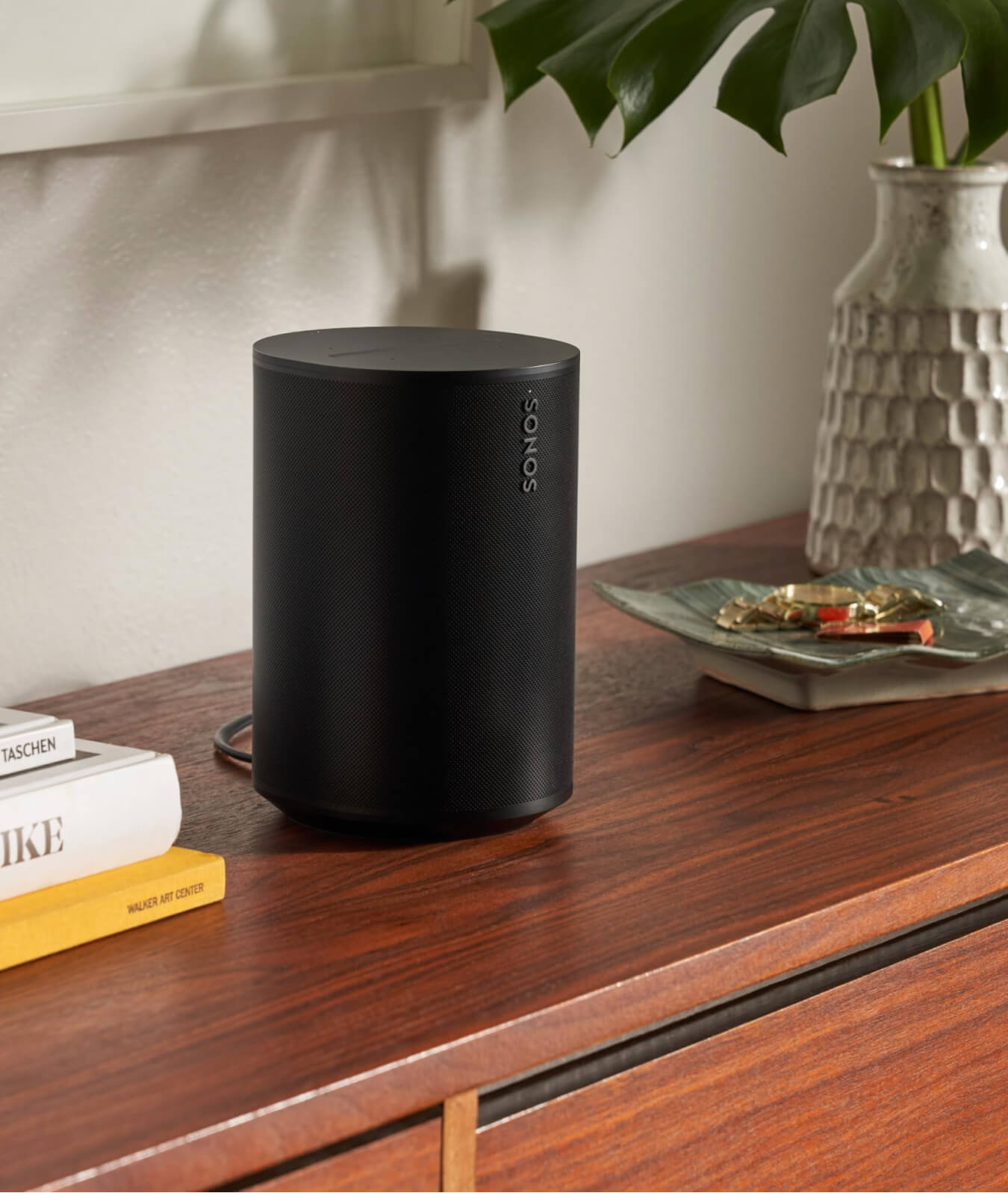
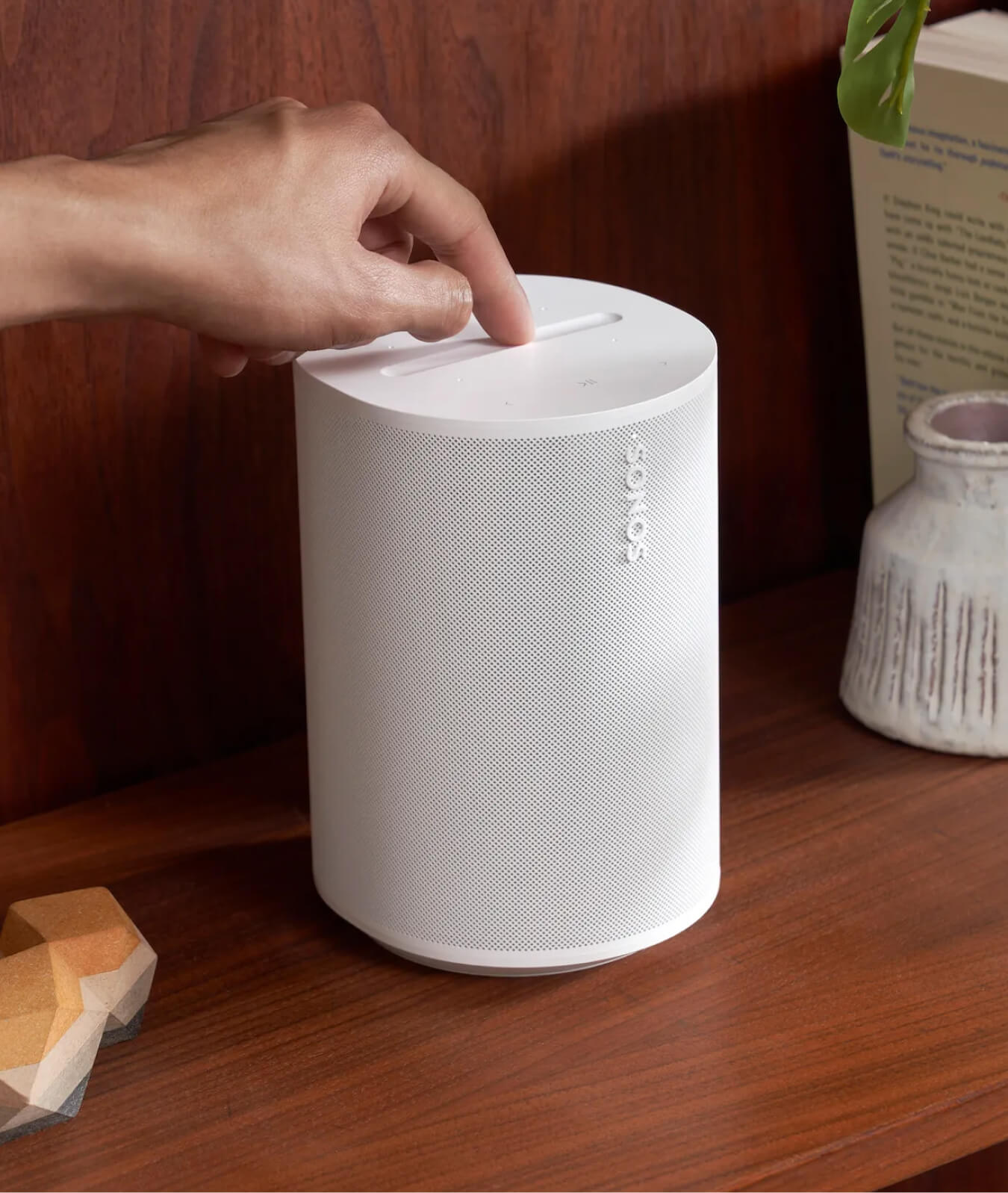
Move Portable Smart Speaker
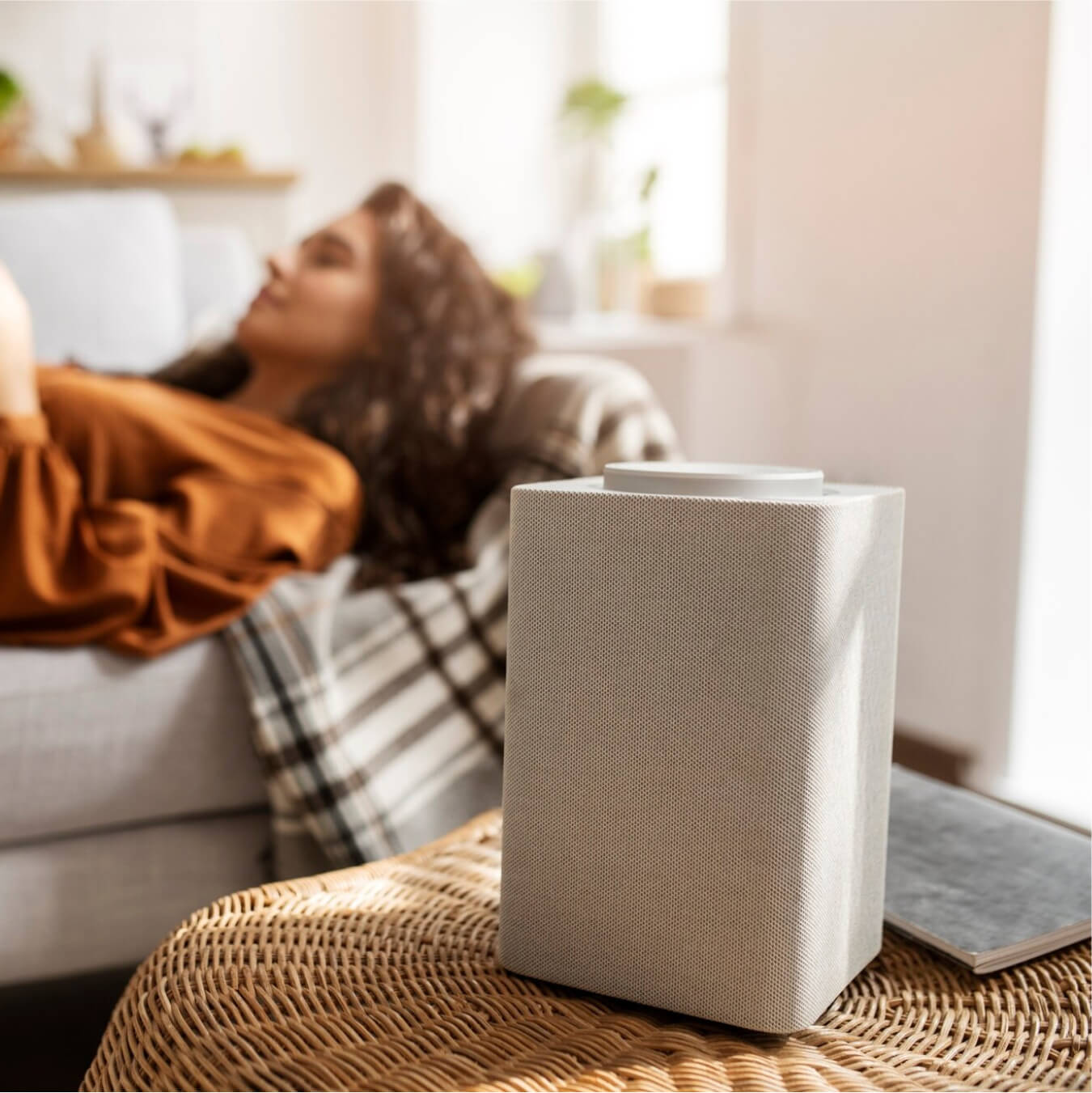
Upgraded inside and out, our most powerful portable speaker delivers heart-pumping stereo sound wherever you want.
Powerful, Room‑Filling Sound
Up to 24 Hours of Battery Life
IP67 Dust and Water Resistance
Compatible with iOS and Android
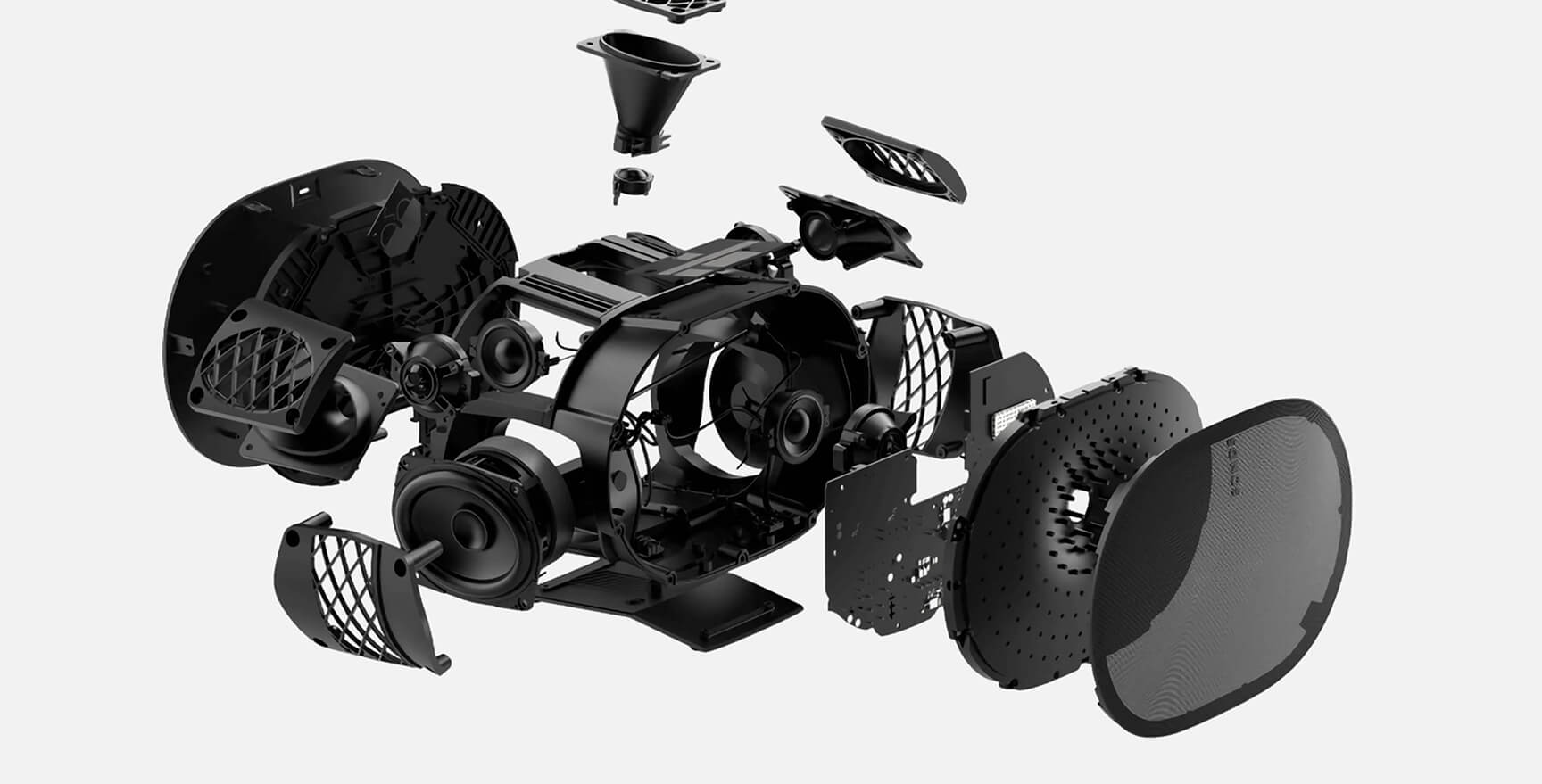
Sub 4 and Era 300s for Dolby Atmos on steroids
Lorem Ipsum is simply dummy text of the printing and typesetting industry.
Lorem Ipsum is simply dummy text of the printing and typesetting industry.
Lorem Ipsum is simply dummy text of the printing and typesetting industry.
Lorem Ipsum is simply dummy text of the printing and typesetting industry.
Accessories
Happy Clients
Customer Support
Customer support was amazingly fast, personal response via skype and helped me within minutes, thank you so much!!
Jane SmithFounder & CEO
Design Quality
Its just super to work with, easy support & fast, and just makes everything possible. We very happy with this.
Robert JohnsonMarketing Director
Customizability
I’m rating this theme 5 stars for design and quality and also customer support were excellent and very responsive.
Amanda WhiteHead of Customer Relations
Premium Bluetooth and Wireless Speakers
How do I connect my speaker to a Bluetooth device?
Turn on the speaker and enable Bluetooth pairing mode (usually by pressing and holding the Bluetooth button).
On your phone or device, go to Bluetooth settings and select the speaker from the available devices.
Once connected, you should hear a confirmation tone.
Why isn’t my speaker charging?
Check the following:
-
Ensure the charging cable and adapter are working.
-
Confirm the charging port is clean and free of dust.
-
Try a different power outlet.
If the issue persists, the battery may be faulty.
Can I connect multiple speakers at once?
Some speakers support multi-speaker pairing (stereo or party mode). This typically requires:
-
Speakers of the same brand and model
-
A supporting app or Bluetooth feature like TWS (True Wireless Stereo)
Turn on the speaker and enable Bluetooth pairing mode (usually by pressing and holding the Bluetooth button).
On your phone or device, go to Bluetooth settings and select the speaker from the available devices.
Once connected, you should hear a confirmation tone.
Check the following:
-
Ensure the charging cable and adapter are working.
-
Confirm the charging port is clean and free of dust.
-
Try a different power outlet.
If the issue persists, the battery may be faulty.
Some speakers support multi-speaker pairing (stereo or party mode). This typically requires:
-
Speakers of the same brand and model
-
A supporting app or Bluetooth feature like TWS (True Wireless Stereo)
Blog & Insights
Hello world!
Welcome to WordPress. This is your first post. Edit or delete it, then start writing!Read More
April 26, 2025admin
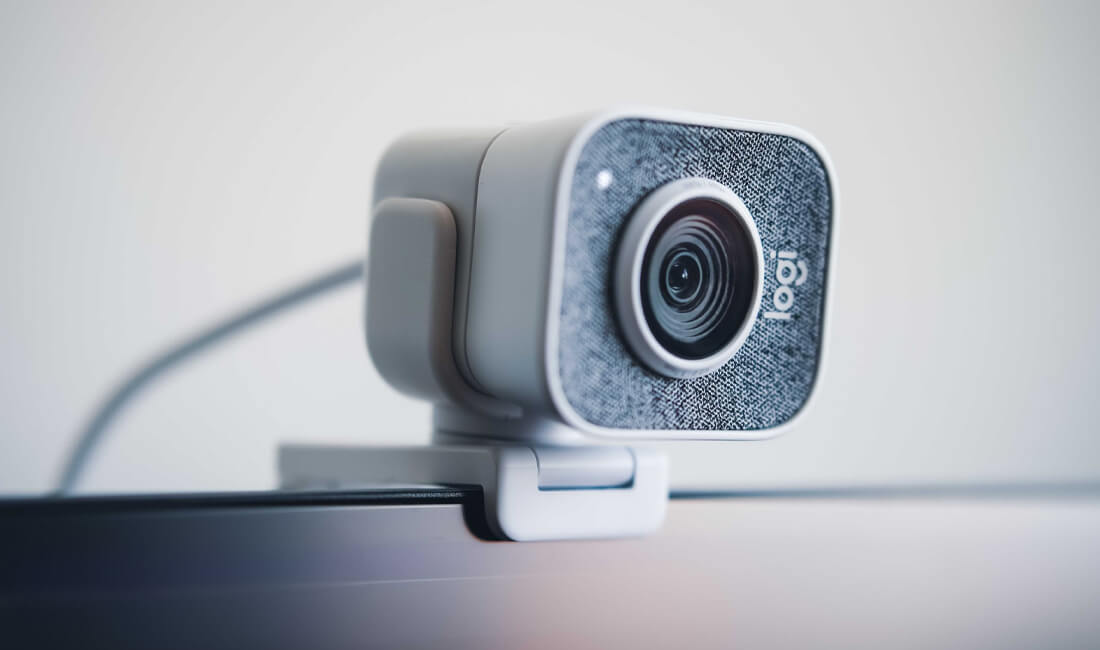
The Mevo Core Camera System Makes Multi-Cam Streaming a Breeze
As a longtime user of the original Sonos Arc, I approached the new Sonos Arc Ultra with excitement and skepticism. The original…Read More

April 26, 2025admin
DPA Microphones showcases latest technologies at NAB Show 2025
As a longtime user of the original Sonos Arc, I approached the new Sonos Arc Ultra with excitement and skepticism. The original…Read More